
Centric + the tools your team uses
Centric, inside the tools you already use
Relationship intelligence in Microsoft, Salesforce, Slack, and your AI assistant — without opening the app.
Inside your tools
Surfaced where your team already works
Centric reads from the systems where your relationships live and shows what they can't — health, risk, and the next move — without anyone re-entering a thing.
Salesforce
Inside Salesforce
On any account record, Centric shows the relationship intelligence Salesforce can't — health, risk, and the next move.
Coming soon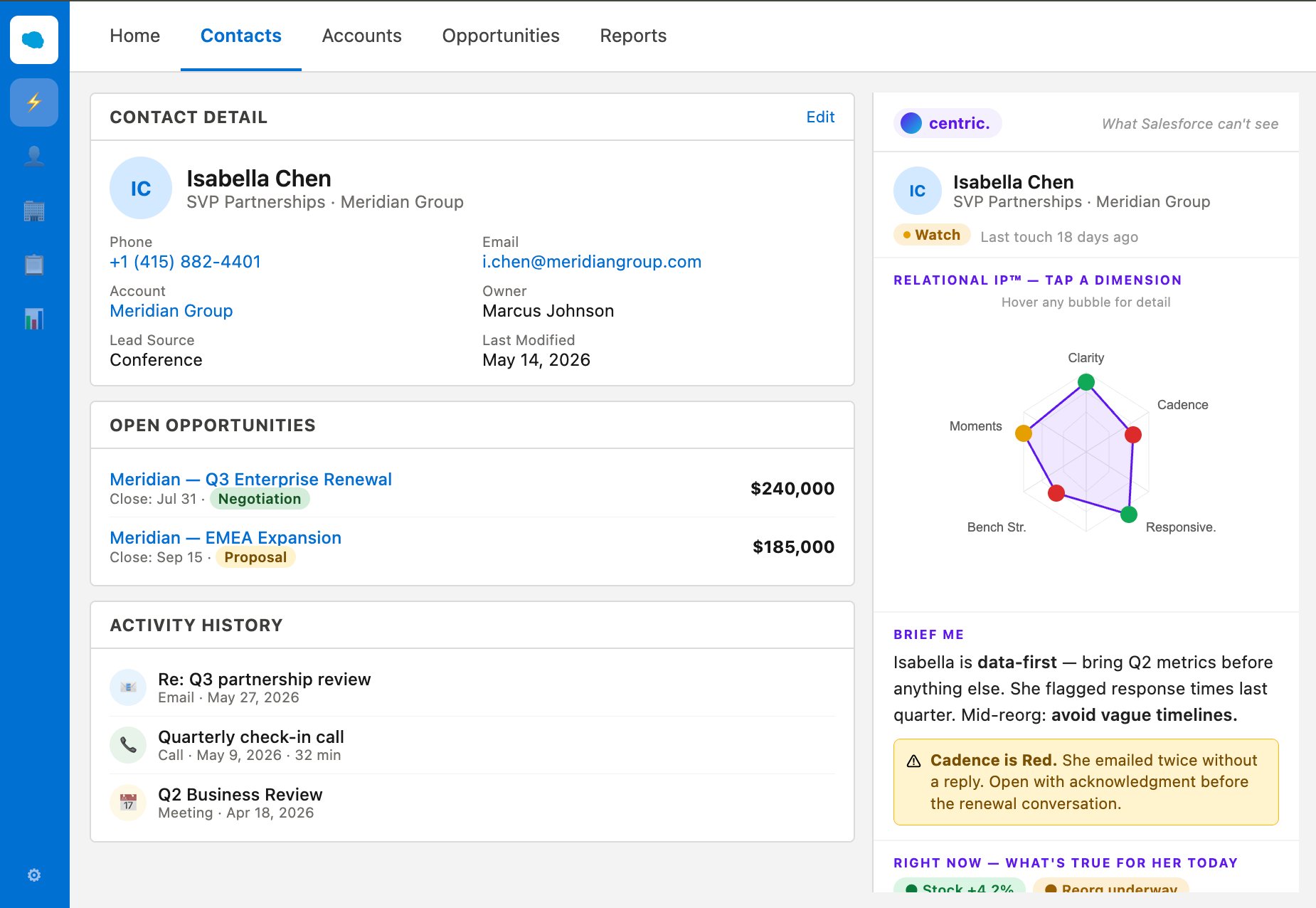
Outlook
In your inbox
Open an email and Centric shows the relationship behind it — the briefing, the status, the dimensions that need attention.
Coming soon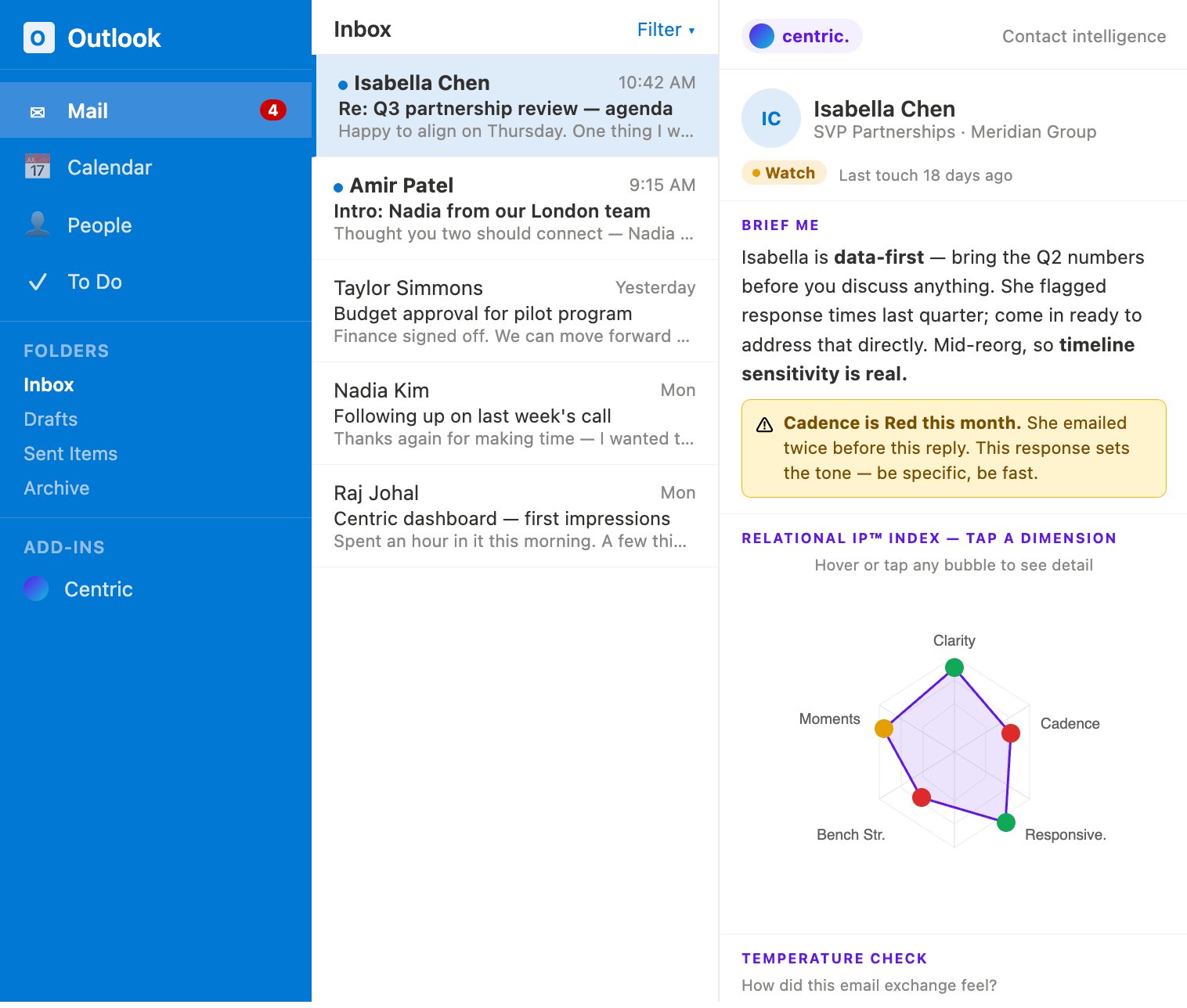
Slack
For managers, in Slack
A coaching digest that surfaces where the team's relationships need attention — without opening a dashboard.
Coming soon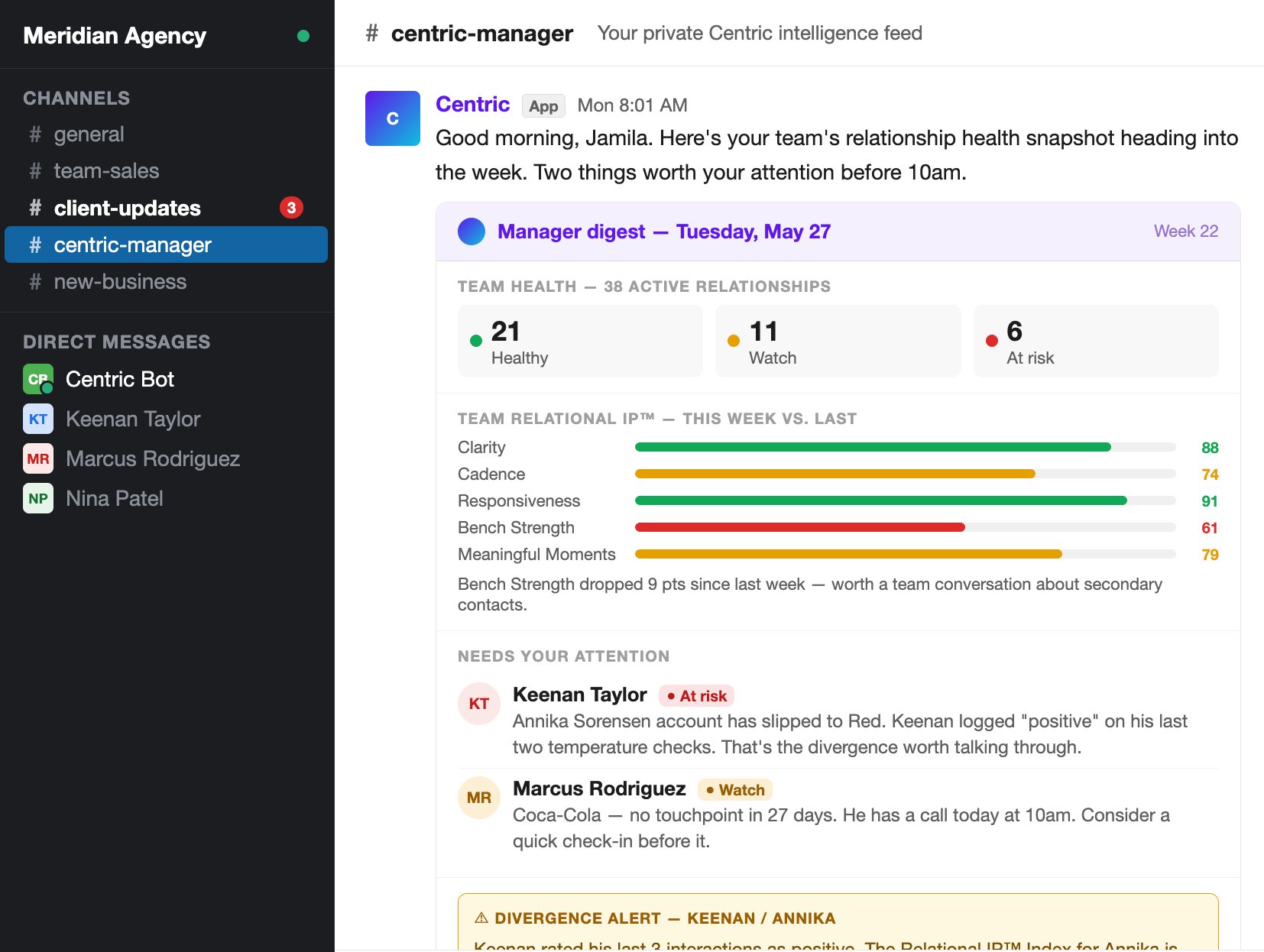
Calendar
Around every meeting
Briefed on each attendee going in, one-tap to log how it went coming out — the whole meeting loop, inside the invite.
Coming soon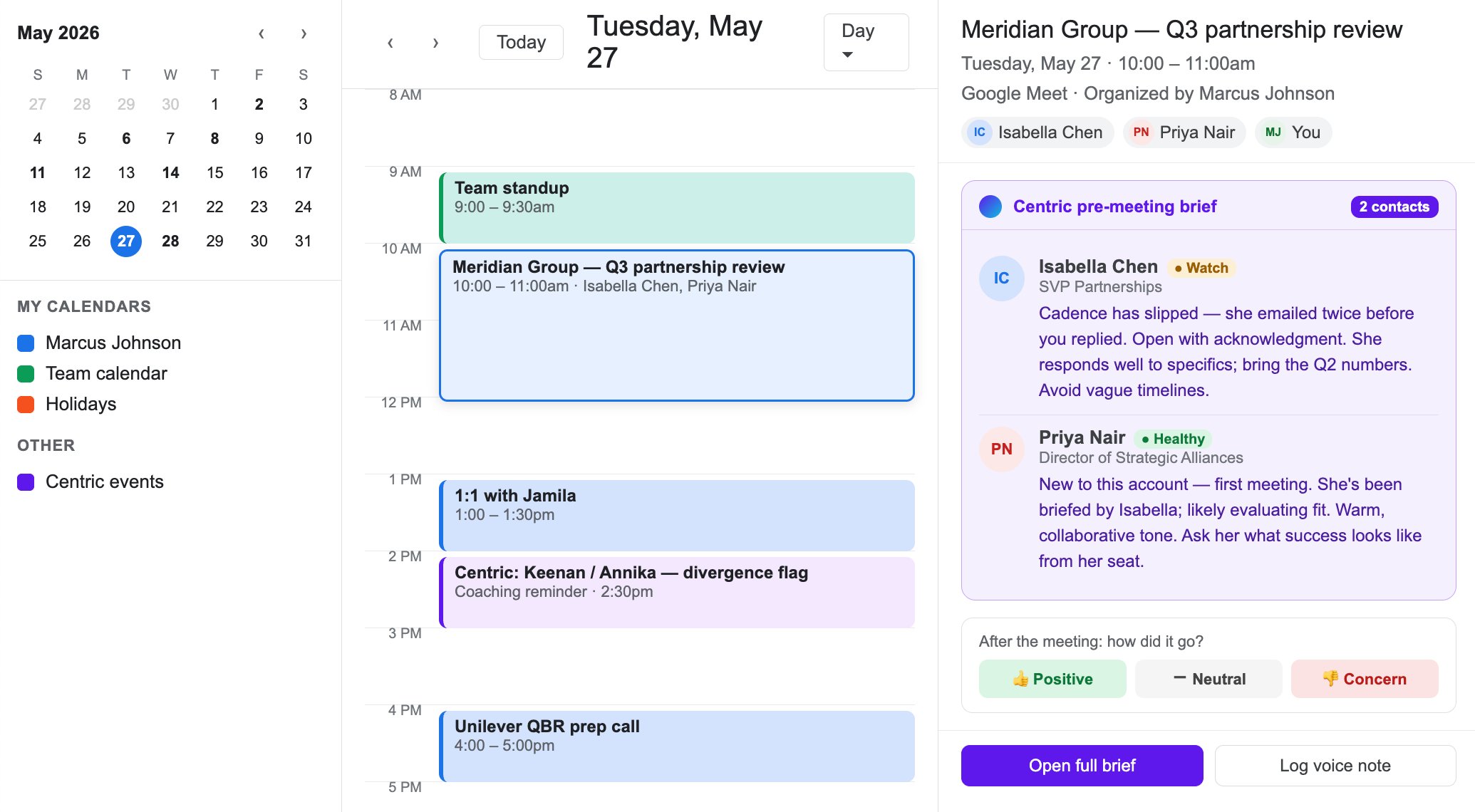
Microsoft 365, Outlook, Salesforce, Slack, Google Workspace, and more — all coming soon. Centric reads from the tools your team already uses; your data stays governed by your existing access controls.
What you can do
Ask in plain language. Centric answers.
The intelligence stays in Centric. The assistant is just the way you reach it.
What do I need to know before my call with the Henderson account?
Centric returns the briefing — context, open threads, and who's who, drawn from your account history.
Briefing
Who am I overdue to follow up with this week?
Centric surfaces the queue — the relationships that need attention, ranked by what matters.
Follow-up
Log that I met Priya for coffee — she's moving to the London office.
Centric records it — the interaction and the detail land in the account, no form to fill out.
Logging
How is my team's coverage looking this month?
For managers, the portfolio rollup — where the book is strong, where it needs attention.
For managers
How it works
Connect once
Add Centric to your assistant with a single secure sign-in. No keys to manage, no setup to maintain.
Ask in your own words
Request a briefing, your follow-up queue, or log an interaction — in plain language, inside the assistant.
Centric does the work
Your assistant pulls from and writes to your real Centric account. Your access and your role decide what it can see.
Plus
Reach Centric from the assistant you already use — Claude, ChatGPT, Cursor, or any tool that supports the Model Context Protocol. Coming soon
Bring Centric into your workflow
Rolling out to teams now. Individuals can join the waitlist.